
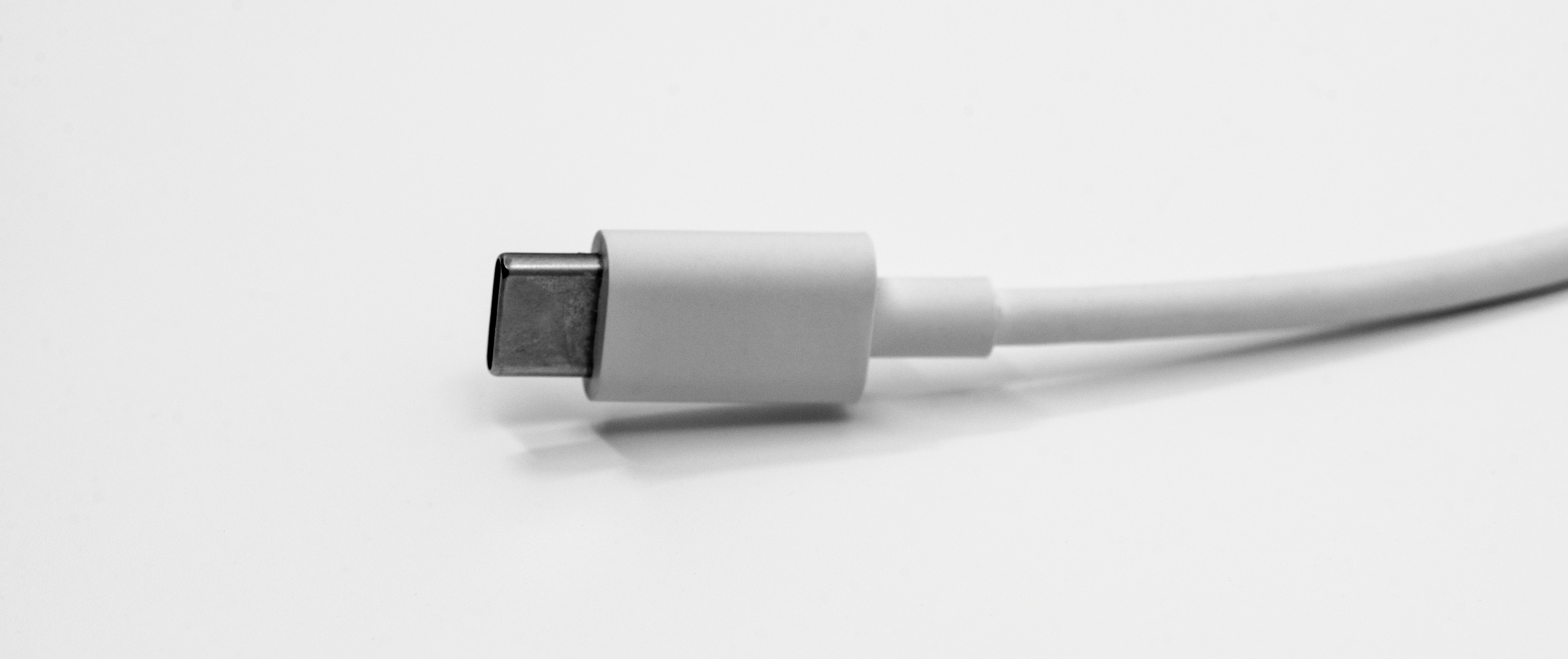
Every Port I Loved is now called USB-C
My formative years were spent surrounded by a kind of technology that had a cable for every occasion. VCRs. DVD players. CRT TVs, then plasma TVs, which felt like the future arriving early. RCA cables. Composite. S-VIDEO. Speaker wire, bare copper twisted into terminals by hand. P2 for headphones, P10 for anything carrying professional audio, which is to say, audio that mattered.
Computers ran the full spread from Windows 98 to XP, and processor names did the marketing department’s job for it. Celeron meant this is a reliable computer. Pentium meant this computer is a workhorse. Nobody needed a spec sheet.
The serial port took modems. And mice. The parallel port took printers almost exclusively, with the devotion of a one-purpose organ. Were the serial and parallel port enemies? I never got a straight answer. The gamepad port had its own weird history tangled up with the parallel port that I refuse to look up right now, on principle. PS/2 for keyboards. A different PS/2 for mice, wearing an identical connector like a disguise. Then USB showed up (shiny, magical, undifferentiated) and everyone just… accepted it. Which in hindsight was the first sign.
VGA. DVI, if you were serious. PCI. ISA, aging out in real time. AGP, which existed for exactly one purpose: telling you that your computer could play serious games.
It is now 2026.
Everything is now WiFi, PCIe, USB, Ethernet, or HDMI/DP. That’s the whole list. Five.
And those five are already tangled in each other. Bluetooth is 2.4GHz PAN wearing a brand name, running on the same WiFi chip already doing everything else on your laptop or phone. NVMe sounds like a port and gets talked about like a port, and is a protocol riding PCIe.
WiFi does gigabit now. Ethernet does 10Gbps. USB does 40Gbps. SSDs (genuine miracles of engineering, arguably the single best thing to happen to computing in my lifetime) arrive over PCIe. Power arrives over Ethernet, at 70W, if you ask it to. Your printer is USB or wireless. So is your gamepad. Your TV has HDMI, USB, Ethernet, and a WiFi driver, and that is the entire feature list now.
Need a paleolithic port? Gamepad ports, parallel ports, serial ports and analog audio can all be obtained through a USB adapter, like a species kept going in a single zoo enclosure. A DVI or VGA projector can be fed through an HDMI/DP-to-oldschool-video adapter as well.
Those five standards not only survived but conquered everything else. And then USB-C conquered all five.
Not by killing them. Instead, a single USB-C port, wired generously, plus a couple of dongles, will hand you everything on that list.
USB carries DisplayPort now: my vertical monitor gets power and video out of one cable, which would have sounded like a lie in 2008. You can get HDMI or DP out of a USB port, which is about 90% true on a laptop and some smaller, more honest percentage true on a desktop, but I’m counting it. Thunderbolt, the connector that used to feel like a separate tier of civilization, is just USB4: USB, PCIe, and DP, mashed together on a USB-C cable, occasionally forming a direct Ethernet link between two machines because sure, why not, it’s all the same wire underneath. PCIe comes down the same pins through a USB4 tunnel, which is how an eGPU works: a graphics card, at the end of a USB cable. Ethernet and WiFi come off a PHY or a radio at the far end, a less glamorous mechanism that works just as well as the rest. And the power goes back the other way, at up to 240W.
My motherboard’s rear IO is a sea of identical USB ports. A hub turns that into a hundred more identical USB ports. Scale, solved. Problem, gone.
Five standards do everything. One shape carries all five. Only one of them has its name on it.
The Accounting
Here’s what actually happened, tallied:
| Job | What died | Cause of death, by USB |
|---|---|---|
| Video | VGA, DVI, composite, S-VIDEO, component | HDMI/DP, over DP alt mode |
| Audio | P2, P10, optical | USB, or HDMI/DP riding along with the video |
| Power | barrel jacks, proprietary bricks | 240W via USB-PD, or Ethernet at 70W¹ |
| Networking | dial-up, token ring, that one coax era | Ethernet or WiFi, off a dongle |
| Peripherals | serial, parallel, PS/2, gamepad | USB natively, or wireless off a dongle |
| Expansion | ISA, PCI, AGP | PCIe, over a USB4 tunnel |
| Storage | IDE, SATA | SATA 3.0 over USB or PCIe over a USB4 tunnel |
¹ I’m not saying you should, but you technically can PoE-to-USB-PD a laptop at 70W if you have the right adapters.
Although the five survivors are all on the right-hand side, their connectors are increasingly on borrowed time.
The Part I Actually Miss
I’m not saying this is bad. A Thunderbolt dock turning a laptop into a workstation with double the performance is, unavoidably, kind of cool. I grew up somewhere every one of those old cables cost triple what it should have because of import tax, so I am the last person who gets to be precious about “convenience.”
I just miss the cables that had exactly one job. RCA was never going to be mistaken for anything else. A parallel cable wasn’t secretly also a display cable if you plugged it in wrong. There was a glamour to that specificity — it felt infallible, the way a thing built for one purpose always does.
Instead, you have to guess what you can do with a given USB-C port. Does it support video? power? PCIe? The answer always feels like “maybe,” and that is a very different feeling than “yes” or “no.”
And if you break it, you’ve just lost power, video, storage, and networking in a single shot, because all four were only ever tenants. Break a PS/2 port and you lost a keyboard.
Make of that what you will.
Cover photo by Maxence Pira on Unsplash